AHK 공식 사이트에서 버전2로 언어 설치
| AHK v2 설치 사이트 | https://www.autohotkey.com/ |
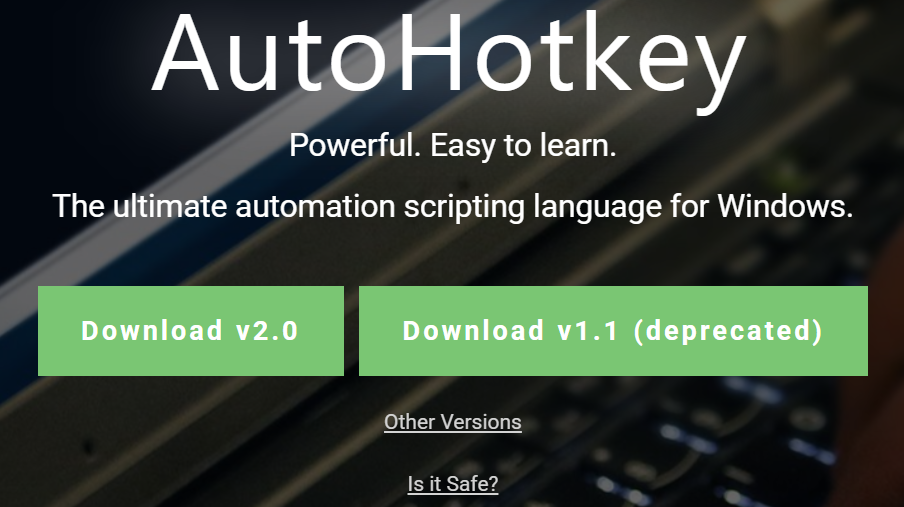
| v2 다운로드 |
 |
| compile 버튼 눌러서, 컴파일러 설치 |  |
| 편집기 다운로드 | SciTE4AutoHotkey https://www.autohotkey.com/scite4ahk/ * 리본 메뉴 → "Set current platform"를 v2(x64)로 변경  * 상단 메뉴 도구(Tools) → SciTe4AutoHotkey setting → Encoding을 Korean Wansung 으로 변경 * 상단 메뉴 파일(File) → Encoding을 "UTF-8 with BOM(W)"로 변경 |
| Visual Studio Code https://code.visualstudio.com/ * Extensions (Ctrl + Shift + X) → AutoHotkey v2 Language Support 다운로드 * Extensions (Ctrl + Shift + X) → AutoHotkey Plus Plus 다운로드 * Ctrl + F9 실행 * F5 디버깅 |
'자기계발 > AHK' 카테고리의 다른 글
| [AHK v2] ini 파일 사용하기 (iniWrite, iniRead, iniDelete) (0) | 2025.02.23 |
|---|
